Workflow
Fast, focused, reliable
Three steps to a polished faceswap.
Whether you’re creating a photo face swap or a video faceswap, FaceSwapLab streamlines the process so you can deliver studio-quality results on iOS.
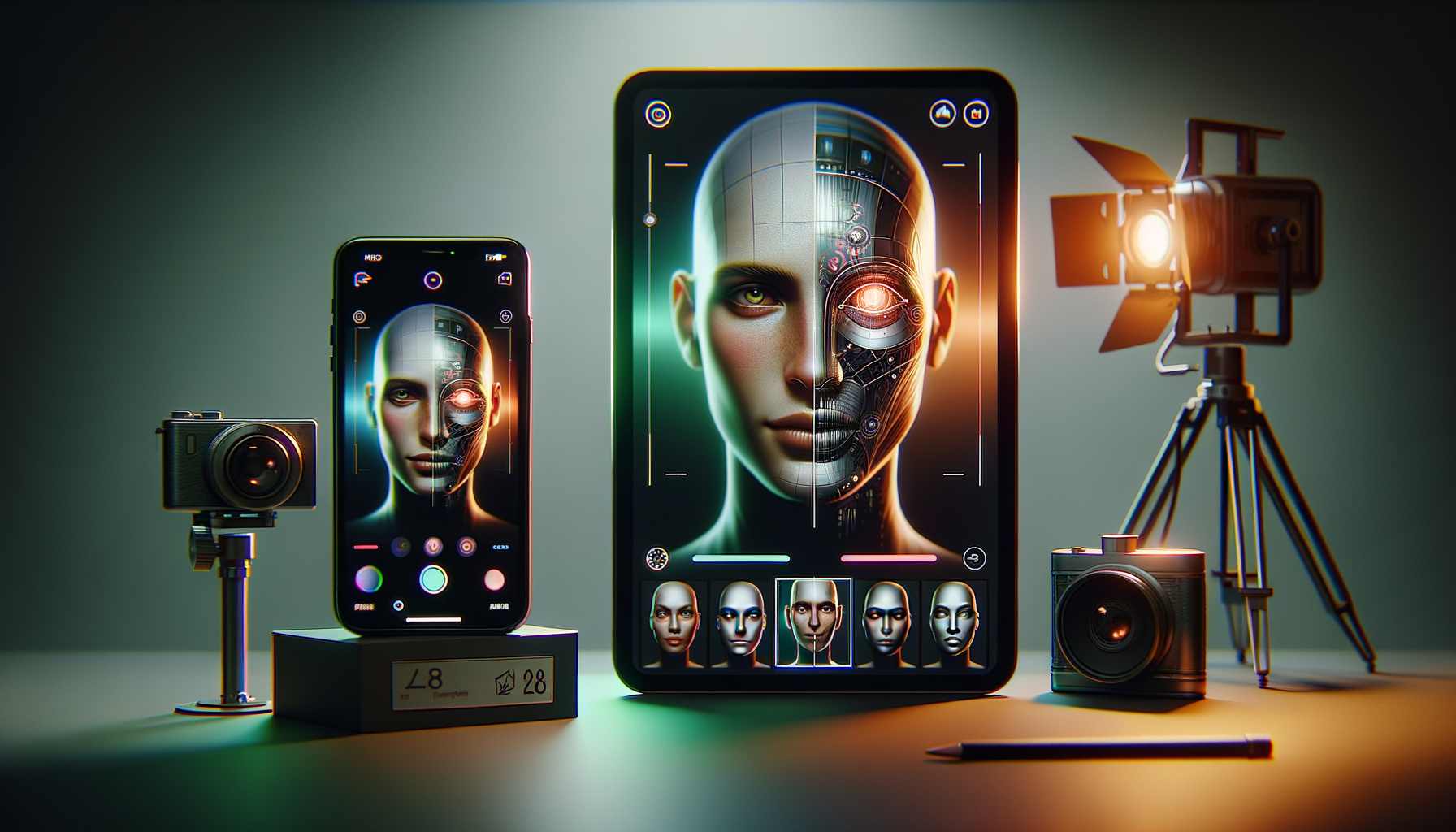
1. Import faces and media
Select a source face and a target photo or video clip. FaceSwapLab preps the media automatically.
2. Refine your swap
Use guided controls to align expression, adjust masks, and balance lighting in real time.
3. Export & share
Render in HD with optimized presets for social video, reels, or marketing creatives.
Designed for creators who move fast
FaceSwapLab keeps advanced features close without slowing down your workflow. Save presets, revisit edits, and manage swaps across multiple projects.
Ready to try a new faceswap workflow?
Download FaceSwapLab and start creating with confidence.